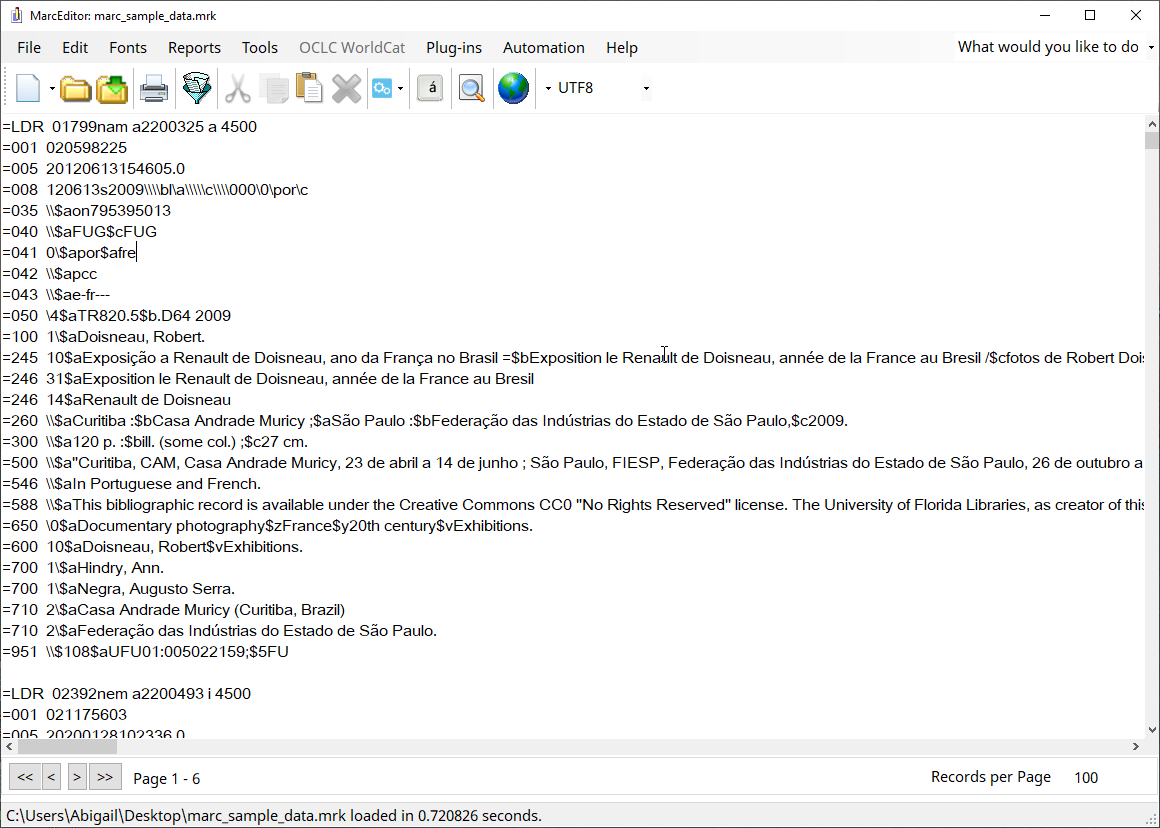
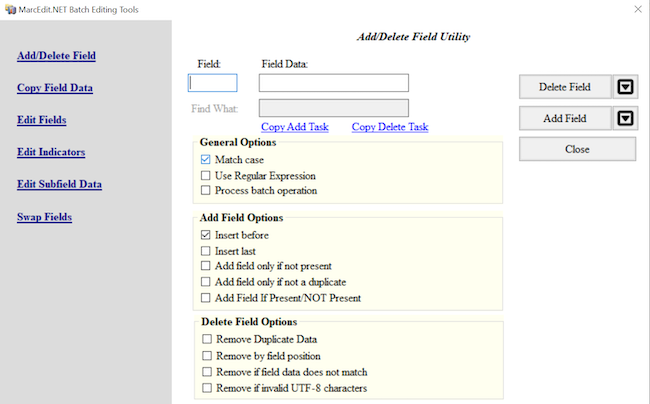
Image 1 of 2: ‘MarcEdit empty Add/Delete Field dialog’
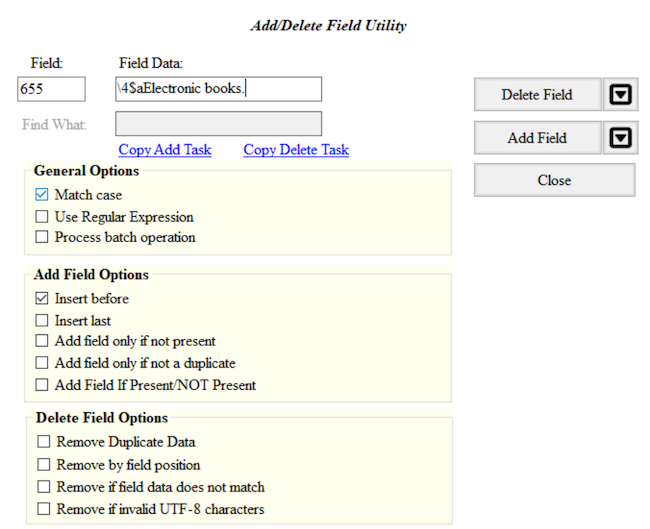
Image 2 of 2: ‘MarcEdit completed Add/Delete Field dialog’
Figure 2
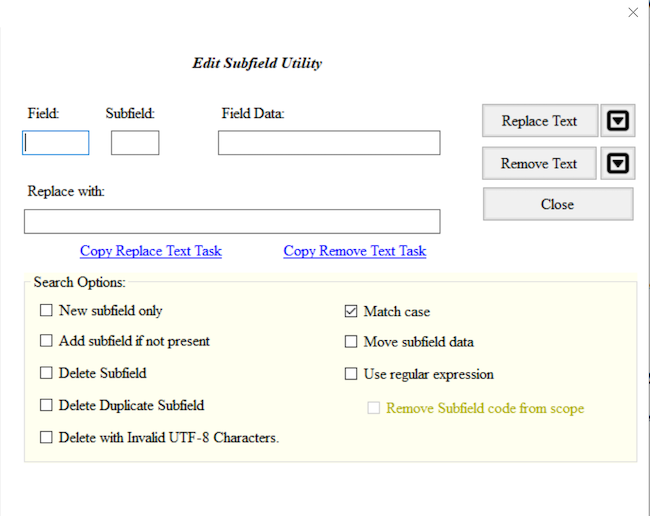
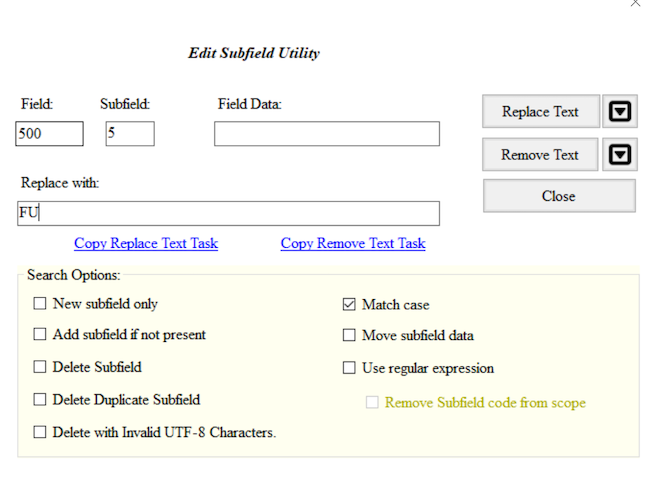
Image 1 of 2: ‘MarcEdit empty edit subfield dialog’
Image 2 of 2: ‘MarcEdit completed edit subfield dialog’
Figure 3
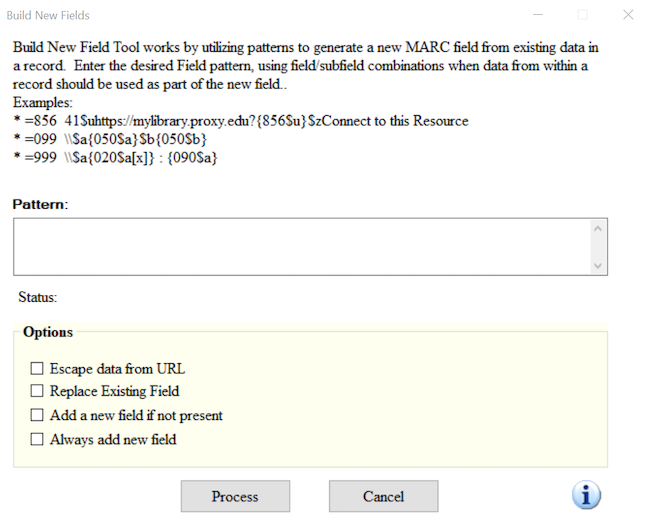
Image 1 of 1: ‘Build New Field Window’
Sometimes it is necessary to create a new MARC field based on the
content of existing MARC fields. This is possible using the function
called, Build New Field.
Figure 4
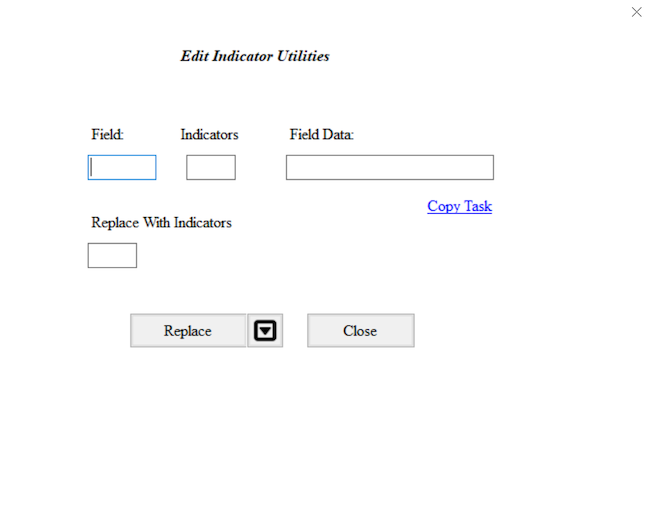
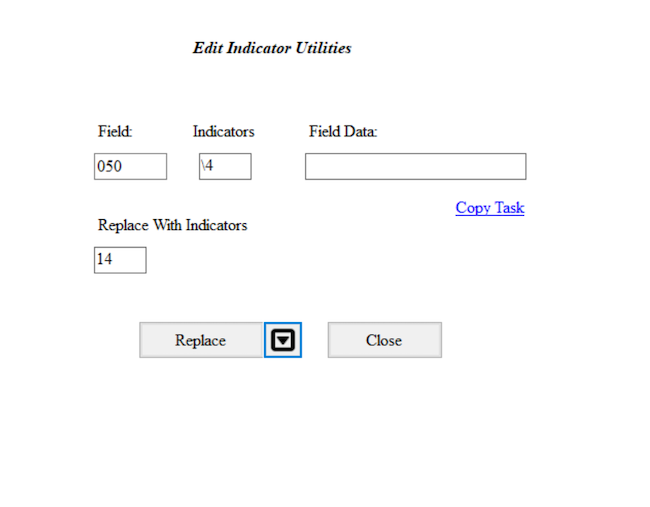
Image 1 of 2: ‘MarcEdit empty edit indicators dialog’
Image 2 of 2: ‘MarcEdit completed edit indicators dialog’
Figure 5
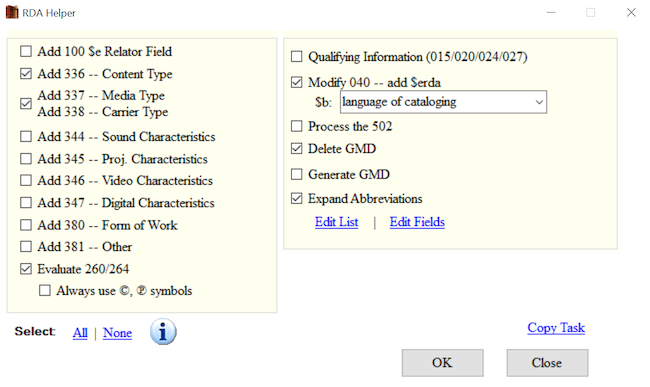
Image 1 of 1: ‘MarcEdit RDA Helper’
Figure 6
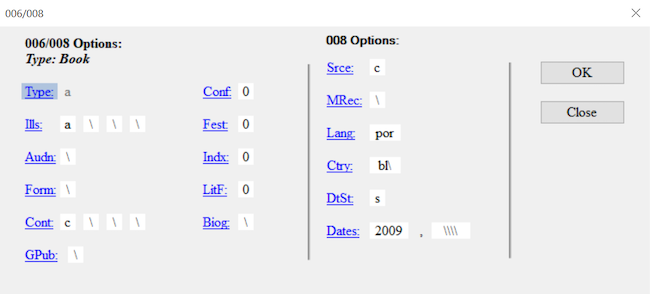
Image 1 of 1: ‘MarcEdit fixed fields editor’
Figure 7
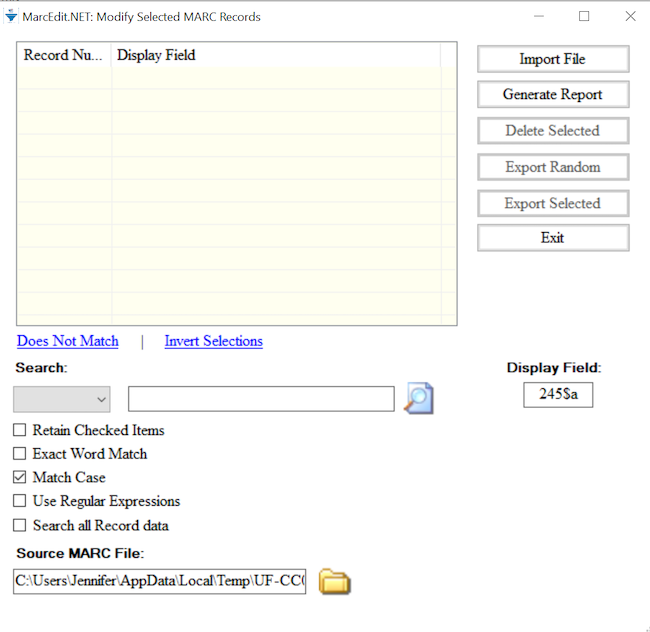
Image 1 of 2: ‘MarcEdit empty Select Records for Edit dialog’
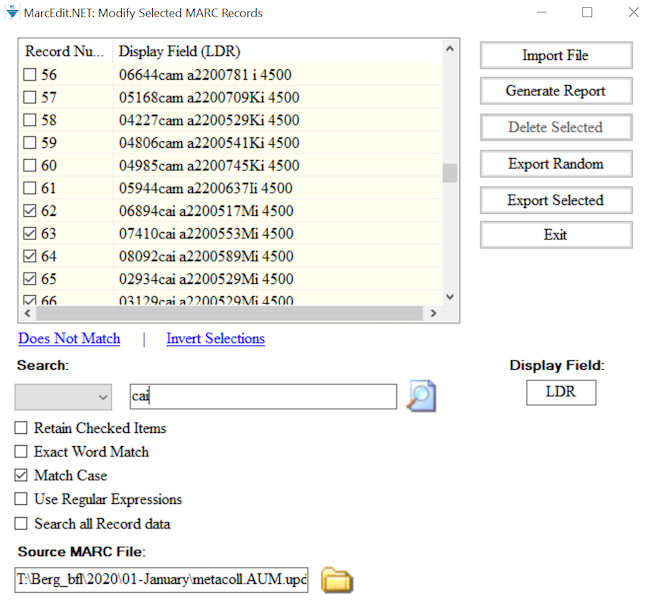
Image 2 of 2: ‘MarcEdit completed Select Records for Edit dialog’